Comic Book Creator Magazine100.16.0
Publisher Description
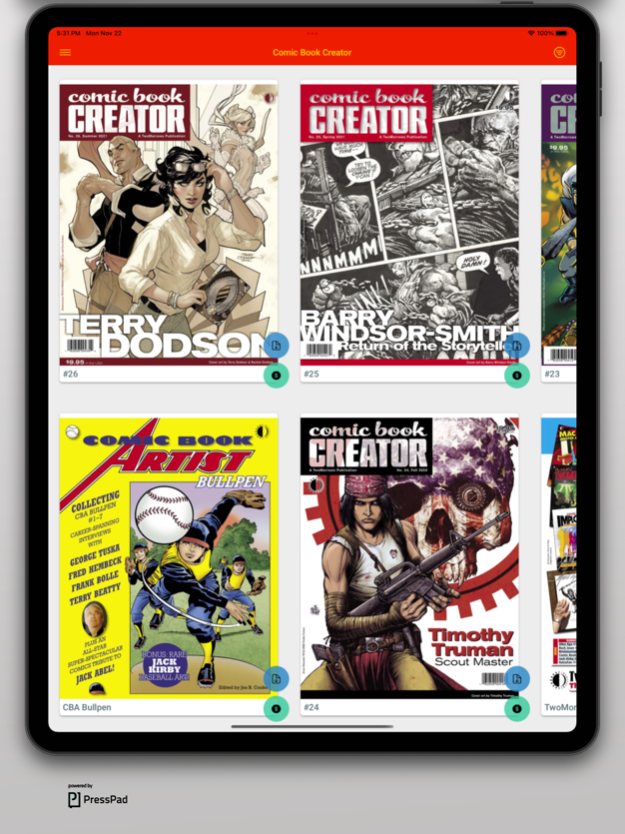
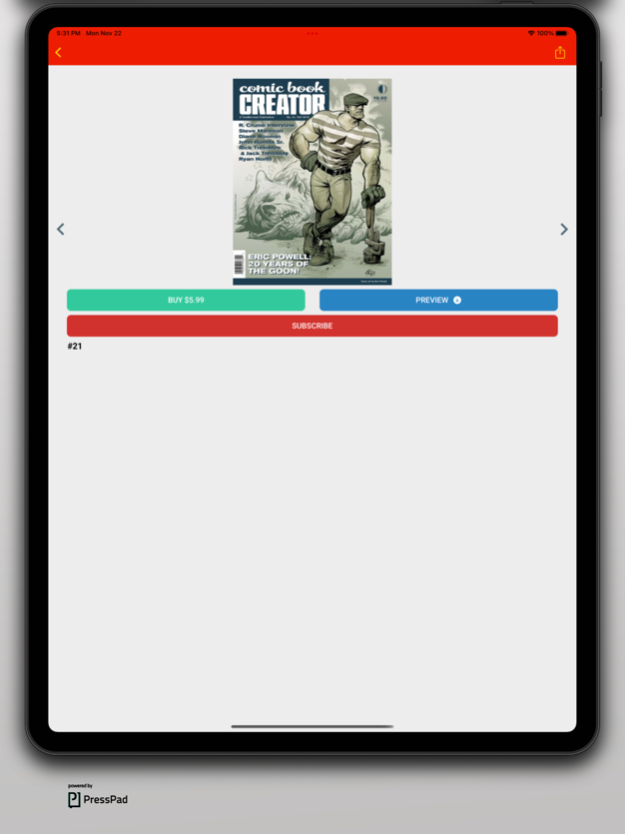
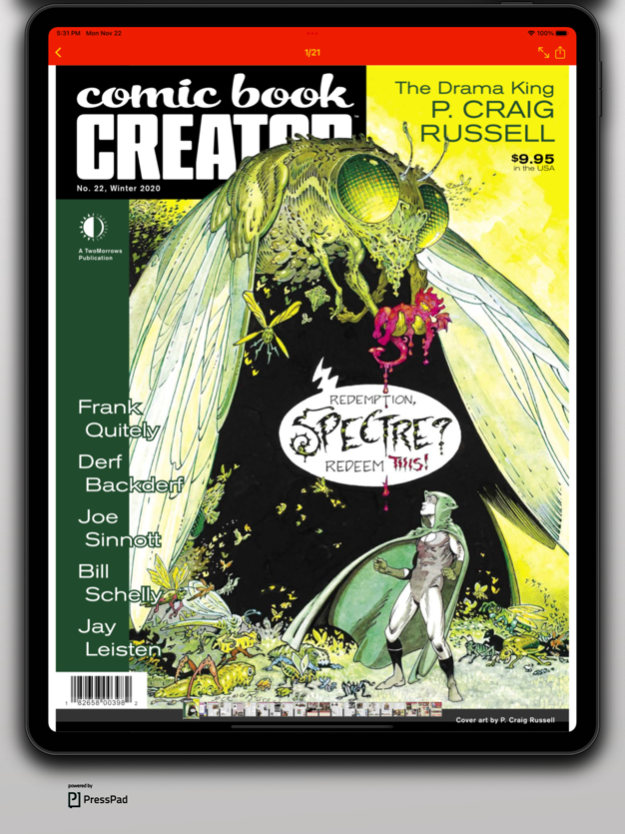
Comic Book Creator magazine is the new voice of the comics medium, devoted to the work and careers of the men and women who draw, write, edit, and publish comic books—focusing always on the artists and not the artifacts. Each issue spotlights top creators through feature interviews, heavily illustrated with rare and unseen art, as they discuss everything from their current work and legacy in comics, to creator's rights and business dealings throughout their careers. CBC is edited by Jon B. Cooke, former editor of the multi-Eisner Award winning Comic Book Artist magazine.
Order each issue individually, or SUBSCRIBE to get access to EVERY ITEM for a full year!
The frequency is 4x per year.
Produced by TwoMorrows Publishing.
==================================
The magazine offers a yearly (69.99€/79.99$) auto-renewable subscription
- Payment will be charged to iTunes Account at confirmation of purchase
- Subscription automatically renews unless auto-renew is turned off at least 24-hours before the end of the current period
- Subscriptions may be managed by the user and auto-renewal may be turned off by going to the user's Account Settings after purchase
==================================
This magazine is proudly powered by PressPad.
Privacy Policy: https://presspadapp.com/terms-apps/
Terms of Use https://www.presspadapp.com/terms/
Nov 23, 2021
Version 100.16.0
bugfixes and improvements
About Comic Book Creator Magazine
The company that develops Comic Book Creator Magazine is PressPad Sp. z o.o.. The latest version released by its developer is 100.16.0.
To install Comic Book Creator Magazine on your iOS device, just click the green Continue To App button above to start the installation process. The app is listed on our website since 2021-11-23 and was downloaded 11 times. We have already checked if the download link is safe, however for your own protection we recommend that you scan the downloaded app with your antivirus. Your antivirus may detect the Comic Book Creator Magazine as malware if the download link is broken.
How to install Comic Book Creator Magazine on your iOS device:
- Click on the Continue To App button on our website. This will redirect you to the App Store.
- Once the Comic Book Creator Magazine is shown in the iTunes listing of your iOS device, you can start its download and installation. Tap on the GET button to the right of the app to start downloading it.
- If you are not logged-in the iOS appstore app, you'll be prompted for your your Apple ID and/or password.
- After Comic Book Creator Magazine is downloaded, you'll see an INSTALL button to the right. Tap on it to start the actual installation of the iOS app.
- Once installation is finished you can tap on the OPEN button to start it. Its icon will also be added to your device home screen.
Program Details
System requirements
Download information
Pricing
Version History
version 100.16.0
posted on 2021-11-23
Nov 23, 2021 Version 100.16.0
bugfixes and improvements
version 12.1.0
posted on 2017-02-09
Feb 9, 2017 Version 12.1.0
This app has been updated by Apple to display the Apple Watch app icon.
- improvements and minor bugfixes
version 12.1.0
posted on 2017-02-09
Feb 9, 2017 Version 12.1.0
This app has been updated by Apple to use the latest Apple signing certificate.
- improvements and minor bugfixes
version 12.1.0
posted on 2017-02-09
Feb 9, 2017 Version 12.1.0
- improvements and minor bugfixes
version 12.1.0
posted on 2017-02-09
9 Feb 2017 Version 12.1.0
- improvements and minor bugfixes
version 11.1.0
posted on 2013-11-13
version 12.1.0
posted on 1970-01-01
2017年2月9日 Version 12.1.0
- improvements and minor bugfixes
